
The Agent Desktop Native (ADN) application, supported by LiveVox/SmartReach, is an installable application designed to enhance the agent experience with the following features:
- Offers browser-independent access to the agent desktop.
- Enables integrated voice using the computer (WebRTC) to place a call.
- Provides you with the ability to record the agent's desktop.
- Enables an administrator to add and delete Desktop Native commands using the LiveVox/SmartReach portal.
Downloading the ADN Application
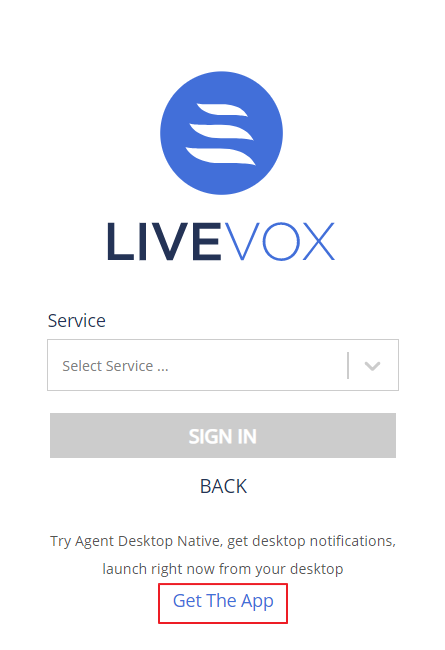
To download the ADN application through the Agent Sign In page:
- Go to the Agent Sign In page, sign in with your credentials.
- Click the Get The App link.
Info
Your browser automatically detects the correct download file for your operating system.
After you download ADN, you must install and configure the ADN application.